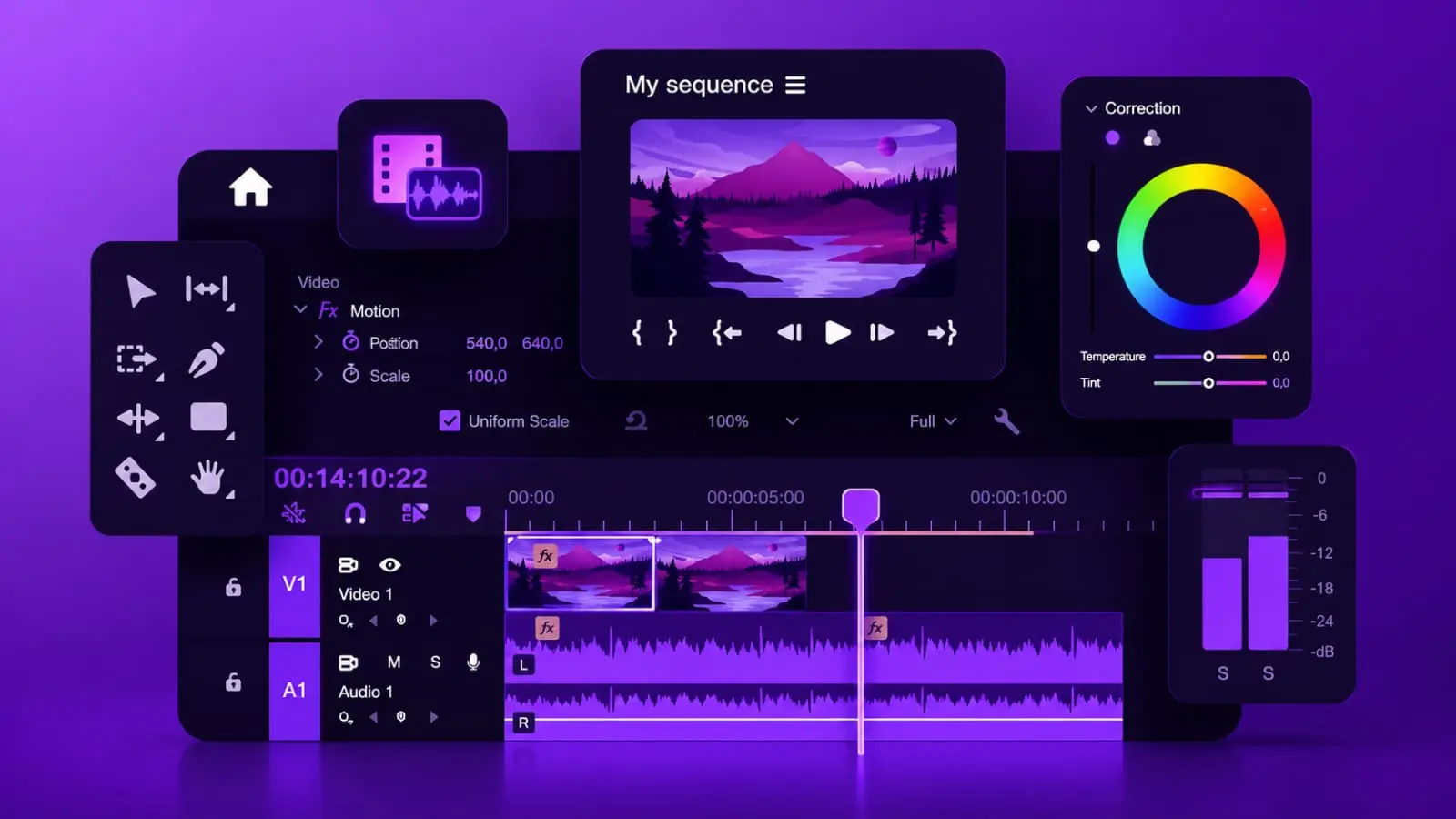
These four tools get recommended constantly, often interchangeably, as if any of them works equally well for any creator. They don't. Each one was built for a genuinely different type of user and workflow, and picking based on price alone, or whatever a bigger creator happens to use, often means fighting the tool instead of the tool actually helping.
The confusion usually comes from comparing feature lists side by side without weighing what actually matters for a specific creator's output. A feature list favours whichever tool has the most checkboxes, not whichever tool fits a particular workflow, and that framing leads a lot of creators toward tools that are either far more complex or far less capable than what they genuinely need.
Adobe Premiere Pro: The Professional Standard, at a Professional Price
Premiere Pro remains the industry benchmark for a reason, deep timeline control, extensive plugin support, and tight integration with the rest of Adobe's Creative Cloud, particularly After Effects for motion graphics work. Pricing runs from roughly 22.99 dollars a month with an annual commitment up to 34.49 dollars monthly with no commitment, making it genuinely the most expensive option here by a wide margin.
This tool makes sense for creators doing complex, layered edits, multi-cam projects, or serious color grading, and for anyone whose workflow already leans on other Adobe products. For a creator making straightforward talking-head videos or quick social clips, Premiere Pro is frequently more software than the job actually requires, and the learning curve costs real time before it starts paying off.
Filmora: The Middle Ground Most Creators Actually Need
Filmora sits deliberately between the beginner-friendly mobile apps and the professional-grade suites, offering a genuinely more approachable interface than Premiere Pro while still including templates, motion tracking, and a reasonable effects library. Pricing runs around 69.99 dollars a year, a fraction of Premiere Pro's cost, which makes it a realistic option for a creator who has outgrown a purely mobile workflow but doesn't yet need Premiere's full depth.
The tradeoff is real: Filmora does not match Premiere Pro's advanced grading or precision tools, and creators doing highly technical post-production work eventually hit its ceiling. For the large majority of YouTube and Instagram creators producing regular, well-edited content without needing Hollywood-level color science, that ceiling rarely becomes a genuine problem.
CapCut: Built for Speed and Short-Form, Not Depth
CapCut is free with a paid tier around 7.99 to 12.99 dollars monthly, and it is specifically optimised for fast, mobile-first editing with a large template library, auto-captions, and trend-friendly effects built for TikTok, Reels, and Shorts. The drag-and-drop workflow requires almost no learning curve, which explains its popularity among creators who need to turn around short-form content quickly and consistently.
The genuine limitation is depth. CapCut struggles with larger, more complex projects, users report lag on bigger timelines, and it lacks the precision tools serious long-form or narrative editing eventually demands. It is an excellent primary tool for a creator whose output is mostly short-form, and a weaker fit for anyone building substantial long-form videos as their main format.
Clipchamp: The Browser-Based, No-Install Option
Clipchamp, now owned by Microsoft, runs entirely in a browser, requiring no powerful hardware and integrating naturally with Windows and Microsoft accounts. It offers templates for common social formats and a genuinely simple interface, making it a reasonable choice for creators without access to a strong editing machine, or teams needing quick, collaborative access without installing software on every device.
Its limitations are the most significant of the four here. The free version watermarks exports, and even paid tiers lack advanced color grading or motion tracking, which puts a real ceiling on production quality. Clipchamp works best as a lightweight, accessible option for simple edits, not as a primary tool for a creator serious about production value.
The Actual Price Gap Is Larger Than It Looks
Lined up side by side, the yearly cost difference is significant. Premiere Pro at the annual rate runs close to 276 dollars a year, CapCut's paid tier lands between roughly 96 and 156 dollars annually, Filmora comes in around 70 dollars a year, and Clipchamp is free with a paid tier for removing watermarks and unlocking additional features. For a creator just starting to monetise, this difference alone can determine which tool is actually sustainable long term, independent of which one has the most impressive feature list.
It is worth resisting the instinct to buy the most expensive option assuming it guarantees better results. A creator using Premiere Pro without genuinely needing its depth is often paying for capability that goes unused, while the same budget spent on Filmora or even a paid CapCut tier might cover the actual editing needs with money left over for other parts of the business.
Complex, long-form, or color-critical work: Premiere Pro, despite the cost and learning curve.
Regular content needing more than templates but not full professional depth: Filmora.
Mostly short-form, fast turnaround, mobile-first: CapCut.
No powerful hardware, simple edits, browser-based convenience: Clipchamp.
Whatever Tool You Edit In, Get the Script Right First
The best editing software cannot fix a video with a weak script or unclear structure going in. SocioMee generates your content for 12 platforms from one topic in 30 seconds, giving you a solid foundation to bring into whichever editing tool actually fits your workflow.
Create Content Now