Get StartedLog In
StoreBlogPricing
CONTENT

CapCut vs Premiere: What Indian Creators Actually Need

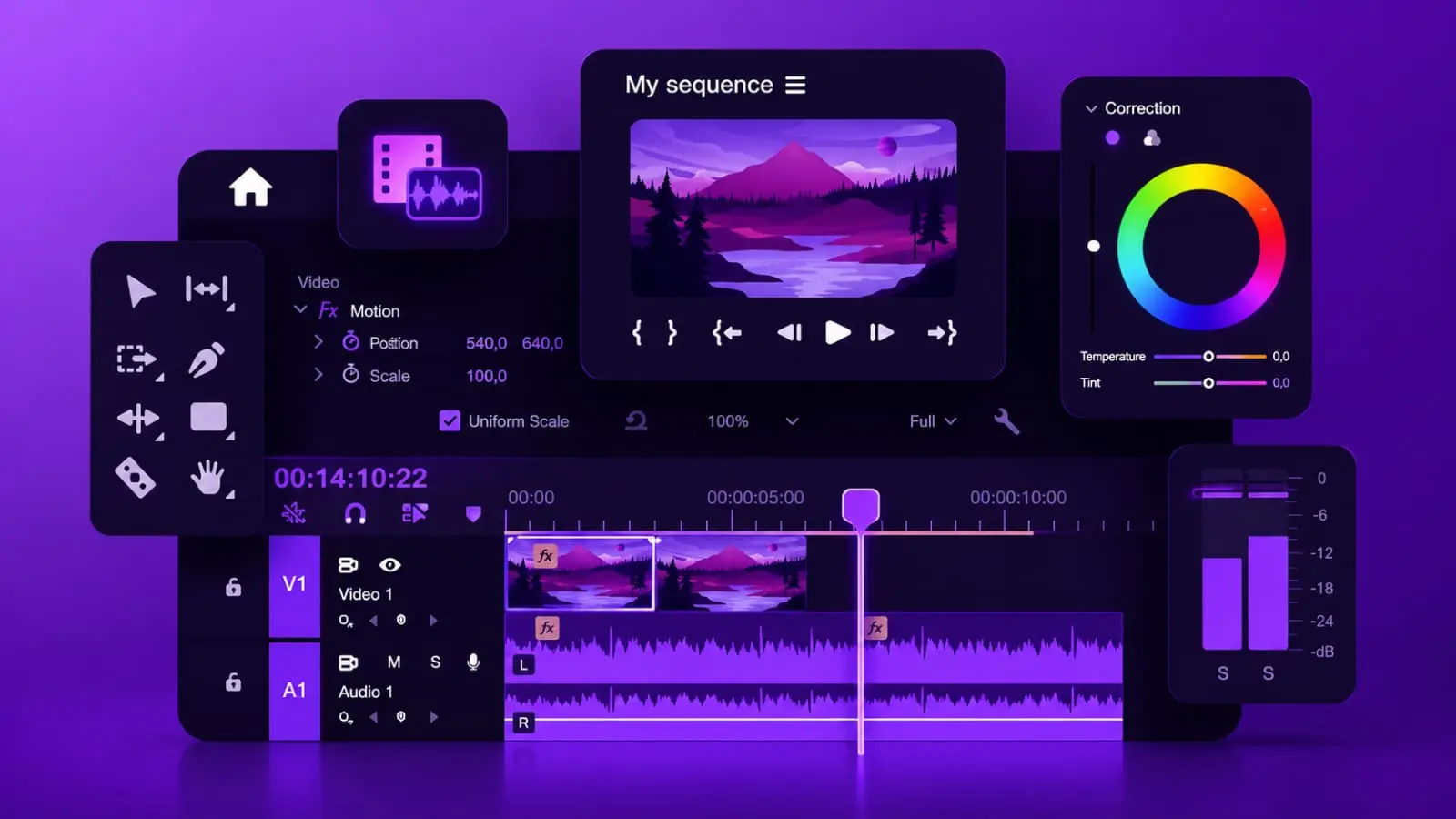
purple video editing timeline interface representing CapCut vs Premiere Pro comparison for Indian creators 2026

An Indian creator posts a question in a Telegram group. Should I switch from CapCut to Premiere Pro now that I am crossing 50,000 subscribers. The replies are split exactly down the middle, half saying CapCut is all you need, half saying real editors use Premiere. Nobody asks what the creator actually makes content about, which is the only question that genuinely determines the answer.

CapCut and Premiere Pro are not competing for the same job anymore in 2026. They used to be a clear beginner versus professional split. That line has blurred significantly. CapCut Desktop now ships motion tracking, multi-track timelines, and AI generative tools. Premiere Pro 26.0, released January 2026, ships Generative Extend and the largest Lumetri Color update in five years. Both are genuinely capable tools now. The question is not which one is more professional. It is which one fits what you are actually making.

5-6x
Faster editing speed for standard short-form content with CapCut vs Premiere Pro
₹1,650
Approx monthly cost for CapCut Pro vs ₹1,900–2,000 for Premiere Pro alone in India
10-20hr
Minimum learning time to produce basic competent content in Premiere Pro

What Each Tool Was Actually Built For

CapCut was built for speed and accessibility. AI does the heavy lifting and the creator directs. You can start editing productively within fifteen minutes of opening it for the first time, even with zero prior editing experience. The interface is organised around templates and one-tap AI automation, with manual controls available but never required to produce something publishable.

Premiere Pro was built for control and precision. The editor makes every decision and AI assists only where specifically asked. It requires a minimum of ten to twenty hours of learning just to produce basic content competently, and real proficiency takes weeks to months. The interface is built for professional editors and does not simplify itself for beginners, which is exactly why it remains the industry standard for client work, agencies, and broadcast delivery.

CapCut
What It Wins At
Speed to publish. AI auto-editing. Free tier. Mobile to desktop sync. Vertical short-form formatting. Learnable in an afternoon.
Premiere Pro
What It Wins At
Color grading depth. Multi-cam and long-form projects. Professional audio mixing. Client delivery standards. Adobe ecosystem integration.

Whichever Editor You Choose, Distribution Still Eats the Most Time

Editing is half the job. The other half is writing captions, hashtags, and descriptions for every platform separately. SocioMee generates your content for 12 platforms from one topic in 30 seconds. Spend your saved editing time on the next video, not on repetitive caption writing.

Generate Your Content

The Real Pricing Picture for Indian Creators

CapCut’s free tier covers most genuine social media needs: 1080p export, which is the maximum resolution Instagram Reels, YouTube Shorts, and TikTok actually display at regardless of what you upload. CapCut Pro runs roughly $19.99 a month internationally, which converts to approximately ₹1,650 to ₹1,700 depending on the exchange rate, unlocking 4K export, additional AI credits, and the removal of the free tier’s watermark.

Premiere Pro alone runs approximately $22.99 a month, translating to roughly ₹1,900 to ₹2,000 monthly, or you can get it bundled inside the full Adobe Creative Cloud All Apps plan if you also need Photoshop, After Effects, Illustrator, and Lightroom. At the lowest tier, CapCut wins by a significant margin. At the highest tier, the Creative Cloud bundle wins on value only if you are genuinely using the other Adobe apps as well, not just Premiere alone.

The Honest Math
CapCut Pro Costs Roughly a Third of Premiere Pro Alone
For creators producing primarily short-form social content, CapCut Pro provides essentially everything needed at roughly one-third the price of Premiere Pro by itself. This gap matters enormously for Indian creators in the early stages of building a channel, where every recurring monthly expense needs to justify itself against uncertain income. The free tier of CapCut, watermark aside, is genuinely sufficient for a creator just starting out and testing whether content creation is something they want to commit to before spending on any tool at all.

Speed vs Depth: What Actually Matters for Your Content

For a standard 30 to 60 second vertical video with captions and music, CapCut is roughly five to six times faster than Premiere Pro for the same output. This is not a minor convenience. If you are producing daily content, this speed difference is the difference between a sustainable posting schedule and burnout. CapCut’s AI Auto-Edit alone can take raw footage to a publishable Reel or Short faster than most editors can finish setting up a Premiere Pro project.

Where Premiere Pro pulls ahead is in everything CapCut was never designed to do well. Professional audio mixing through Adobe Audition integration or the Essential Sound panel offers EQ, compression, and noise reduction that CapCut’s basic fade and background music tools cannot match. Lumetri Color provides curves, color wheels, and HSL secondary adjustments for genuine cinematic grading, against CapCut’s preset filters and basic sliders. For content longer than ten to fifteen minutes, Premiere Pro’s timeline management and nesting capabilities handle complexity that causes CapCut to start struggling.

The Practical Split
What Indian Creators Are Actually Doing in 2026
The split-the-difference move that working editors increasingly use is not choosing one tool forever. It is using CapCut for first-pass captions, rough cuts, and quick social content, then bringing only the projects that genuinely need it into Premiere Pro for final colour grading or complex audio work. For an Indian creator making Reels and Shorts daily plus a weekly long-form YouTube video, this means CapCut handles the daily volume and Premiere Pro, if used at all, handles only the weekly flagship video where the extra time investment is worth it.
glowing purple earth with network connections representing global reach of Indian creators using video editing tools 2026

The Decision Framework That Actually Works

Forget which tool sounds more professional. Answer these instead.

If Most of Your Content Is Vertical and Short
Use CapCut
If your output is primarily Instagram Reels, YouTube Shorts, or TikTok-style content under 90 seconds, CapCut is built specifically for this format and will get you publishing faster, more consistently, and at a fraction of the cost of Premiere Pro. The deciding factor is simple: if most of your content is short-form, CapCut is the better choice, full stop. Indian creators chasing daily posting consistency on Reels and Shorts almost always benefit more from CapCut’s speed than from Premiere Pro’s depth, because the depth is rarely visible at the compression quality social platforms apply anyway.
If You Are Doing Long-Form, Client Work, or Need Colour Precision
Use Premiere Pro
If you are producing YouTube videos longer than ten to fifteen minutes regularly, doing paid editing work for brands or agencies, or your niche genuinely depends on visual quality, finance explainers with charts, cinematic vlogs, food content with controlled colour grading, Premiere Pro’s control becomes worth the steeper learning curve and higher cost. Client deliverables in particular often require specific codecs and quality specifications that CapCut simply cannot meet, making Premiere Pro the only real option once you start taking paid editing or production work seriously.
The framework in one paragraph:

Starting out and posting daily Reels or Shorts? CapCut, free tier first. Crossed a real audience and want to remove the watermark and unlock 4K? CapCut Pro. Producing a weekly long-form YouTube video where colour and audio quality genuinely matter? Add Premiere Pro for that specific video only. Taking on paid client or brand editing work? Premiere Pro becomes non-negotiable because client delivery standards demand it. Most Indian creators do not need to choose one forever. They need to match the tool to the specific piece of content in front of them.

Whichever Editor Wins, the Content Still Needs to Land on 8 Platforms

The editing decision is only half the workflow. SocioMee generates your content for 12 platforms from one topic in 30 seconds, so the time you saved choosing the right editor does not get eaten right back up by manual cross-posting.

Start Building Free

💜 Conclusion

CapCut and Premiere Pro stopped being a clean beginner versus professional split somewhere in the last two years. CapCut now does motion tracking and 4K export. Premiere Pro now has generative AI tools that take seconds instead of hours. They overlap at almost every level except one: how much time, budget, and craft control you are willing to put on the line for any given piece of content.

The Indian creator asking which editor to switch to is asking the wrong question. The right question is what does this specific video need. A Reel posted today needs CapCut’s speed. A flagship long-form video that brands will judge your channel by might need Premiere Pro’s control. Most serious creators end up using both, not because they could not decide, but because they finally understood that the tool should match the content, not the other way around.

Stay Connected with

SOCIOMEE

One Topic. Infinite Content.

Frequently Asked Questions

Can I do everything in CapCut and never need Premiere Pro at all?
For the vast majority of Indian creators making Reels, Shorts, and TikTok-style content, yes, CapCut alone is genuinely sufficient and many successful channels never touch Premiere Pro. CapCut Desktop in 2026 supports multi-track timelines, motion tracking, AI generative tools, and 4K export on the paid tier, which covers nearly everything a social-first creator needs. The honest exception is if you plan to take on paid editing work for brands or agencies, since client deliverables often require specific codecs, colour spaces, and quality specifications that CapCut cannot meet, or if your content regularly exceeds fifteen minutes in length, where Premiere Pro’s timeline management genuinely outperforms CapCut’s handling of complex, longer projects.
Is the CapCut free version actually usable or does the watermark ruin it?
The free version of CapCut includes most editing features at no cost, with the main limitation being a watermark stamped on exports and a cap at 1080p resolution, which is actually the maximum resolution that Instagram Reels, YouTube Shorts, and TikTok display at anyway, making the resolution cap a non-issue for social content specifically. The watermark is the real friction point for a creator trying to look professional from day one. Most Indian creators who are serious about growth upgrade to CapCut Pro specifically to remove the watermark once they have validated that they are going to post consistently, rather than paying for it from their very first video.
How long does it realistically take to get good at Premiere Pro coming from CapCut?
A creator coming from CapCut should expect a minimum of ten to twenty hours of focused learning just to produce basic, competent content in Premiere Pro, with genuine proficiency, meaning comfortable enough to move quickly without constantly searching for where a tool is, taking anywhere from a few weeks to a few months of regular use. The interface is built for professional editors and intentionally does not simplify itself for beginners the way CapCut does. The most efficient path most creators report is starting with a single focused tutorial series covering the core timeline tools, colour basics through Lumetri, and audio fundamentals, then learning everything else through actual project work rather than trying to master every panel before starting a first edit.